
gScreen as the default macOS screensaver
Back to HelpgScreen serves up media using a regular HTML webpage, so it can be used anywhere a web browser is available.
Let's assume you used this invocation to start gScreen:
❯ gscreen start --data-dir ~/db/gscreen
Starting web server at 127.0.0.1:9999
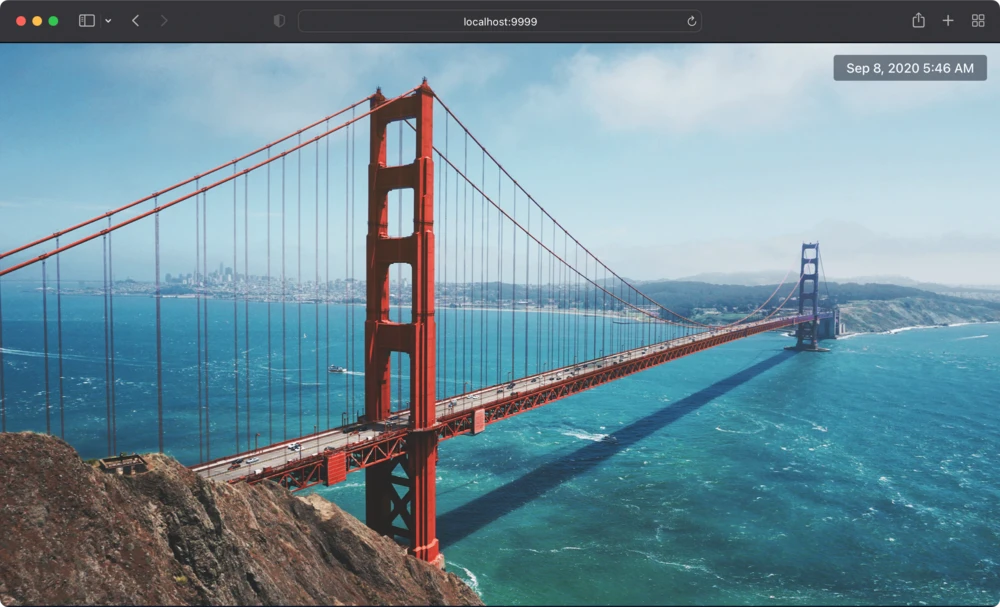
Confirm that the screensaver works by navigating to http://localhost:9999 in a web browser:
Install the webviewscreensaver tool, which lets you set arbitrary websites as your macOS screensaver. Once you have it installed, navigate to the Desktop & Screen Saver section of the System Preferences app, select WebviewScreensaver, and configure it like so:
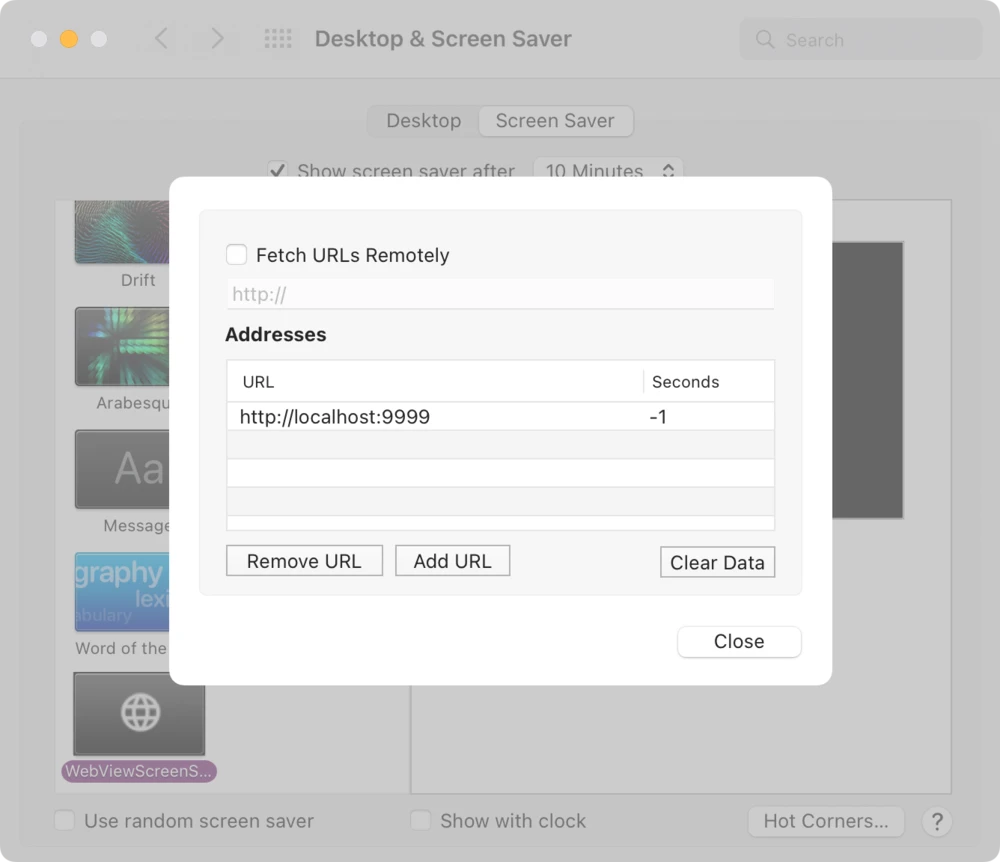
Remember to replace http://localhost:9999 with the correct URL if you've changed the host or port. Setting the Seconds value to -1 is important as well.
gScreen is now set up as the default macOS screensaver!